Find primary law
Search U.S. case law, statutes, regulations, constitutions, and other covered source law with jurisdiction and authority in view.
Microsoft-published federated Copilot connector
Descrybe Legal Engine is a Microsoft-published federated Copilot connector for Copilot Chat, Researcher, and Cowork. It is enabled by default for Microsoft 365 tenants unless an administrator disables it, so lawyers can connect from Copilot’s Sources menu without manually configuring an MCP connection.
Connected to
Descrybe Legal Engine
Available by default as a Microsoft-published federated Copilot connector unless an administrator disables it. Users find Descrybe in Copilot’s Sources menu.
Legal Research Toolkit
Descrybe provides the research capabilities. Copilot provides the environment where you ask, refine, and use the result.
Search U.S. case law, statutes, regulations, constitutions, and other covered source law with jurisdiction and authority in view.
Resolve citations, retrieve focused source passages, verify quoted language, and inspect the authorities behind the analysis.
Research how later courts have treated an authority and find the citing decisions that matter to the issue.
Legal workflow ideas
These examples show what becomes possible when the surrounding assistant or application combines its own reading, reasoning, and work-product capabilities with focused Descrybe tools. They are ideas for use rather than separate product modes; the exact sequence and available steps depend on the host, its settings, and the context you choose to provide.
Start in Copilot Chat or Researcher with a legal question. Copilot can clarify the facts and jurisdiction, search cases and non-case primary law with Descrybe, and organize the results for source review.
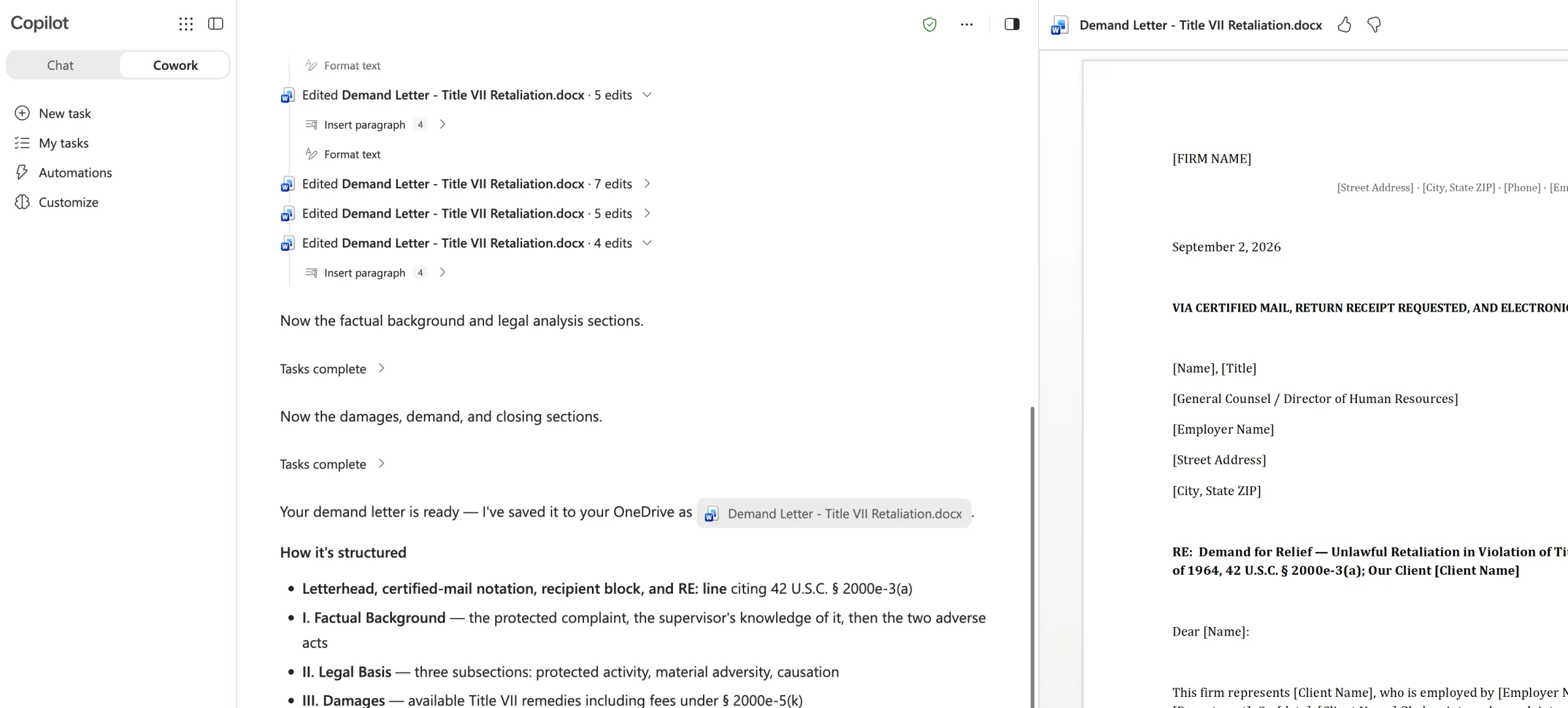
Working from a brief the user can access in Microsoft 365, Cowork can organize a citation and quotation review with Descrybe and prepare the findings in Word. For a structured review report, use Descrybe Review in the Platform.
Use facts and issues the user selects from a permitted matter file, email, meeting, or firm document to find supporting and contrary cases, then compare the most useful authorities in a working table or memo.
Have Cowork prepare a source-backed case note in Word covering the issues, holding, reasoning, key passages, treatment, and later citing decisions, with the opinion PDF available for final review.
Start with a proposition in a draft or internal practice note. Copilot can ask Descrybe for authority that supports, limits, distinguishes, or contradicts it and surface the differences a lawyer should examine.
Combine matter facts and permitted firm context with fresh Descrybe research, then have Cowork build an authority-grounded argument outline or draft Word memorandum for professional revision.
Give Cowork an opposing brief and ask it to identify vulnerable propositions, missing context, quotation problems, weak citations, contrary authority, and later cases—then create a response outline in Word.
Use Cowork with pleadings the user is permitted to access. It can compare claims and defenses, map admissions, denials, and disputed issues, and call Descrybe to research the governing law and cited authorities.
Summarize and classify a permitted firm document or group of matter files, ask grounded follow-up questions, and use Descrybe to resolve, explain, and check the legal authorities found in the material.
How it fits your work
A qualifying Microsoft 365 Copilot license is required and is separate from Descrybe access.
One Legal Engine
One Descrybe subscription works across supported assistants. The Open Connector extends the same research layer to authenticated internal tools that support your own legal research.